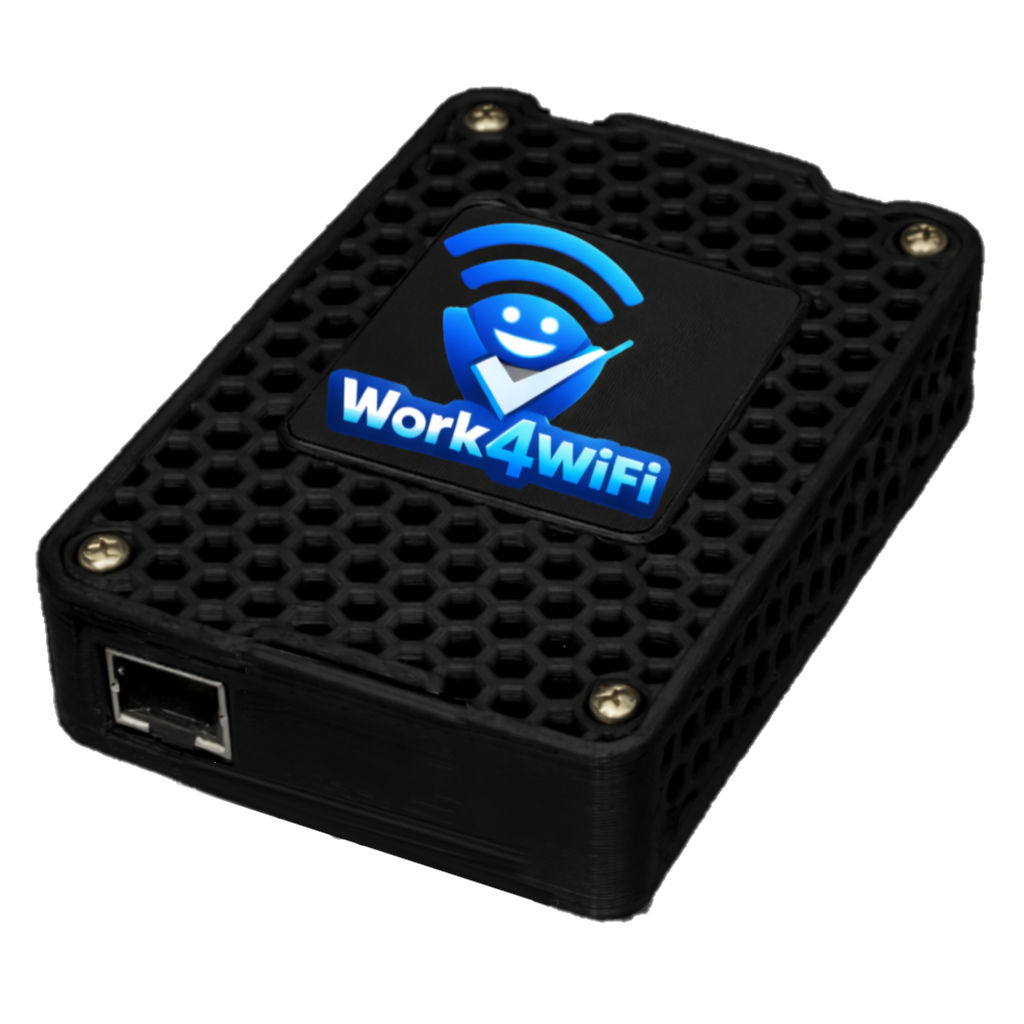
WiFi Control for Every Device
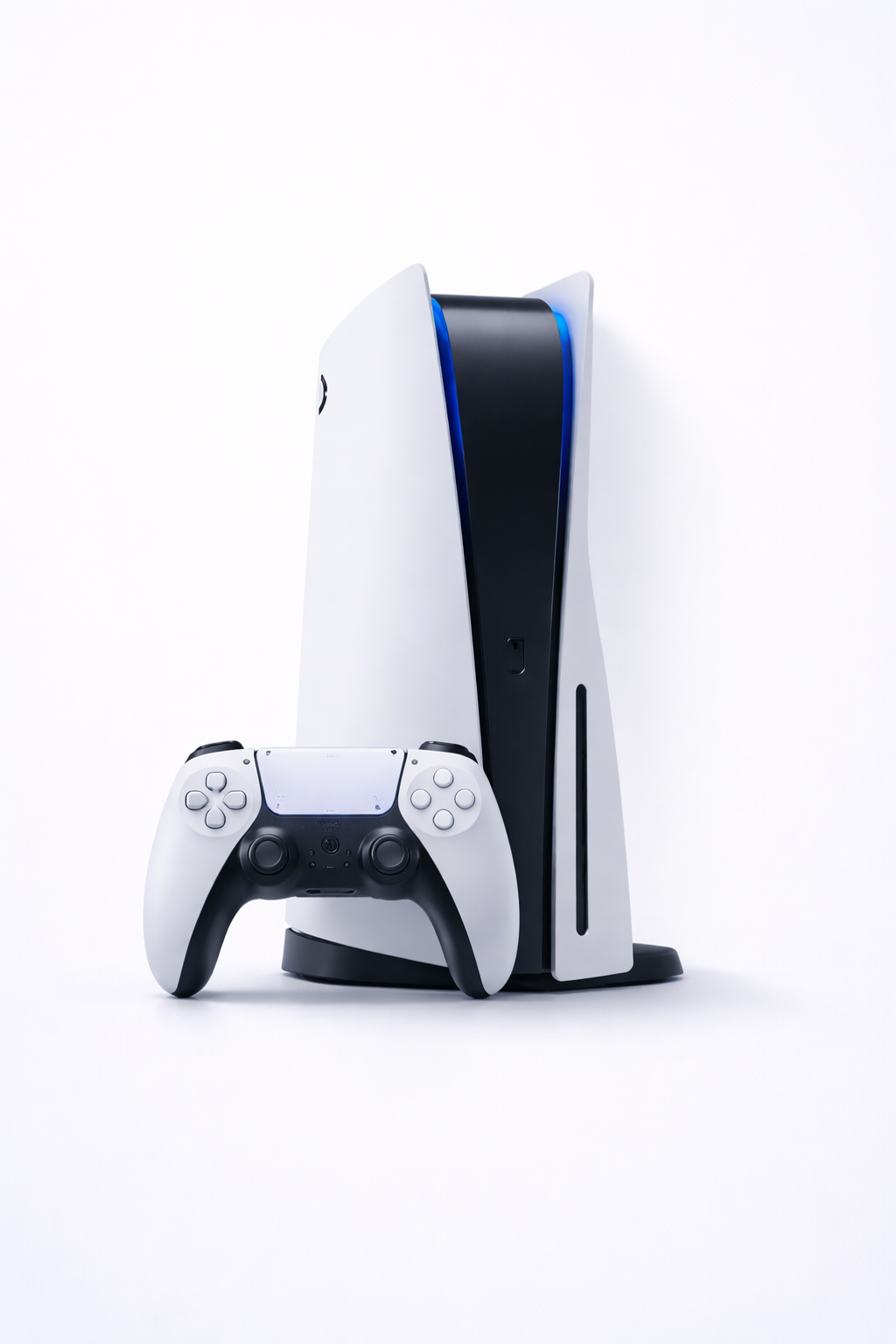
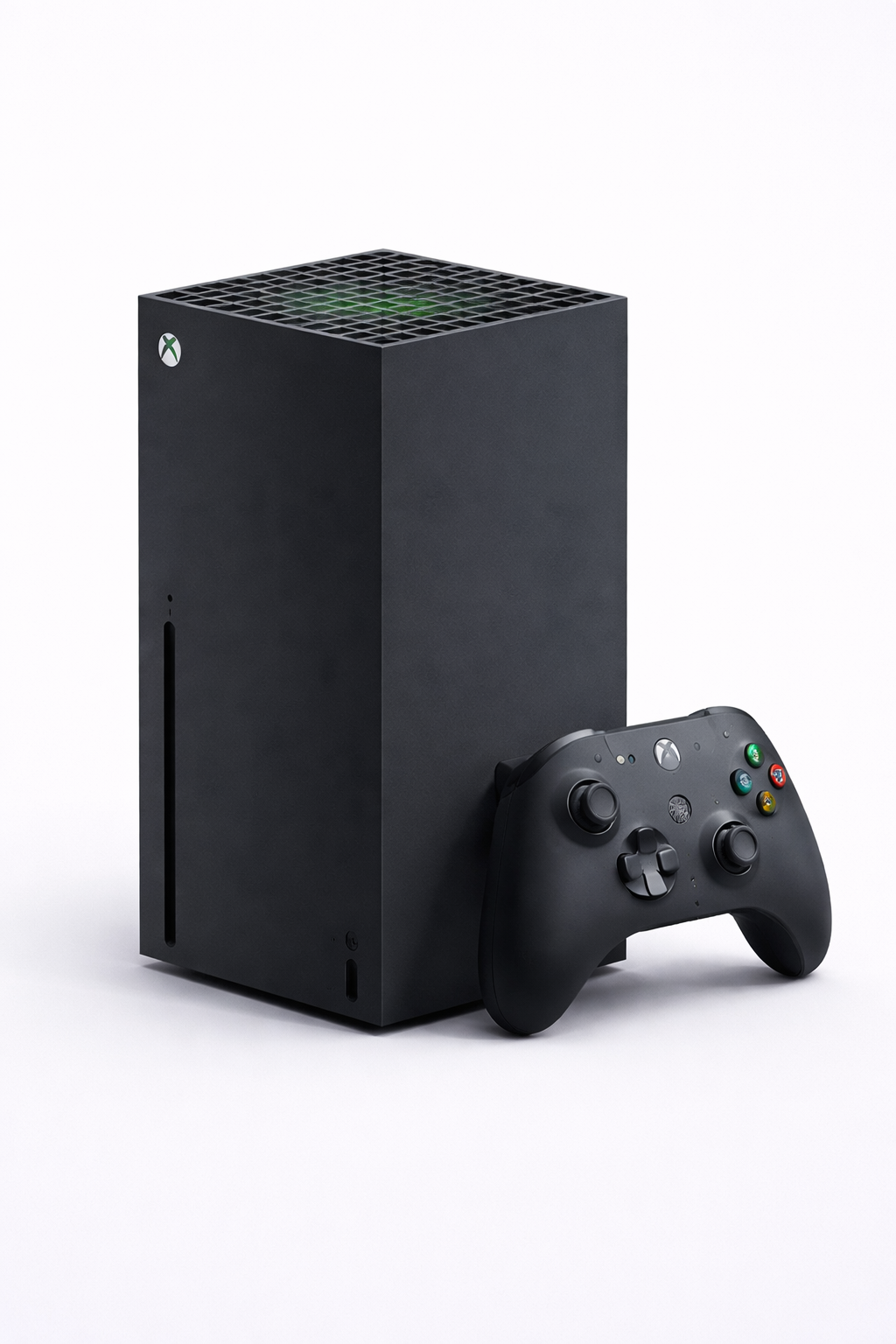
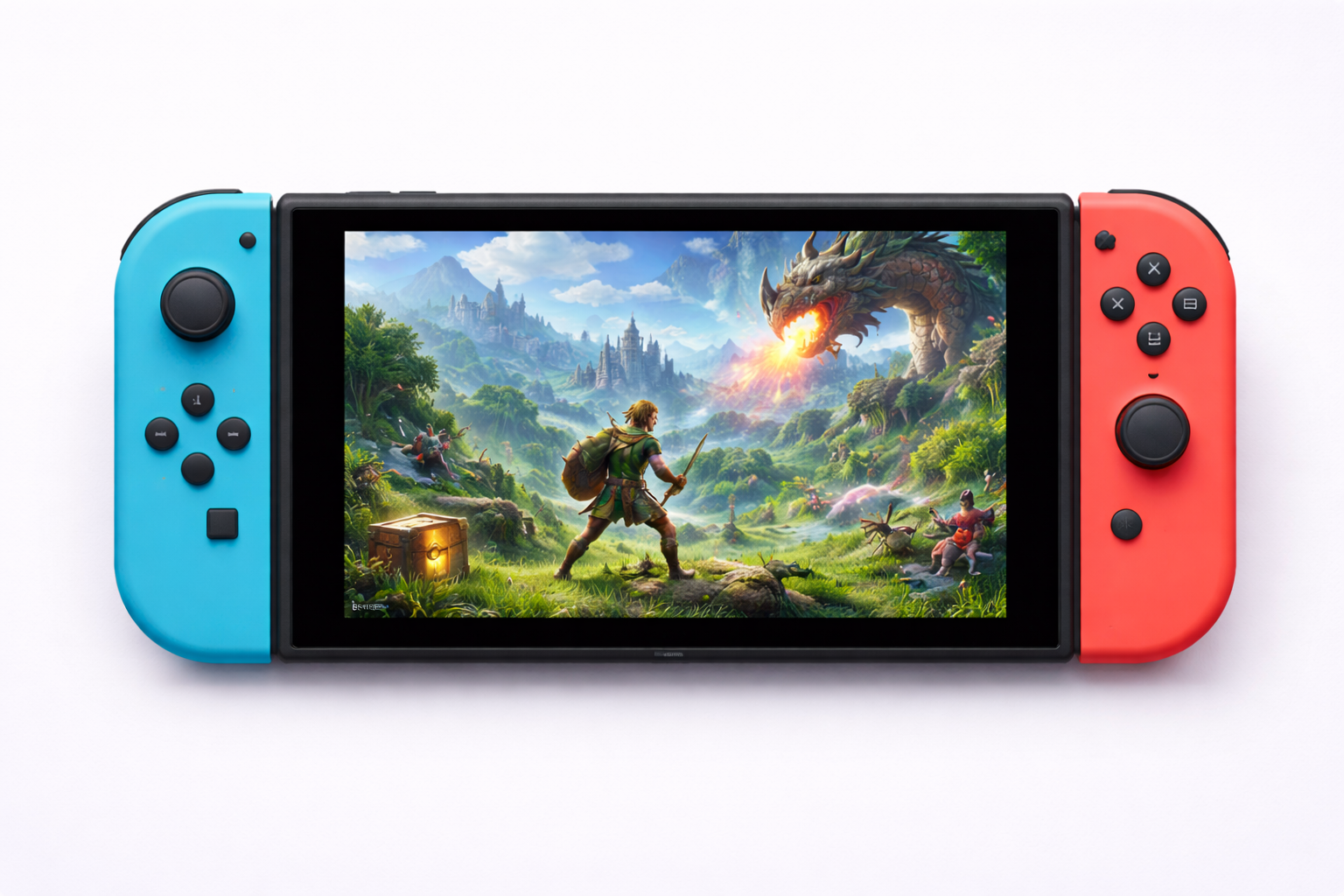
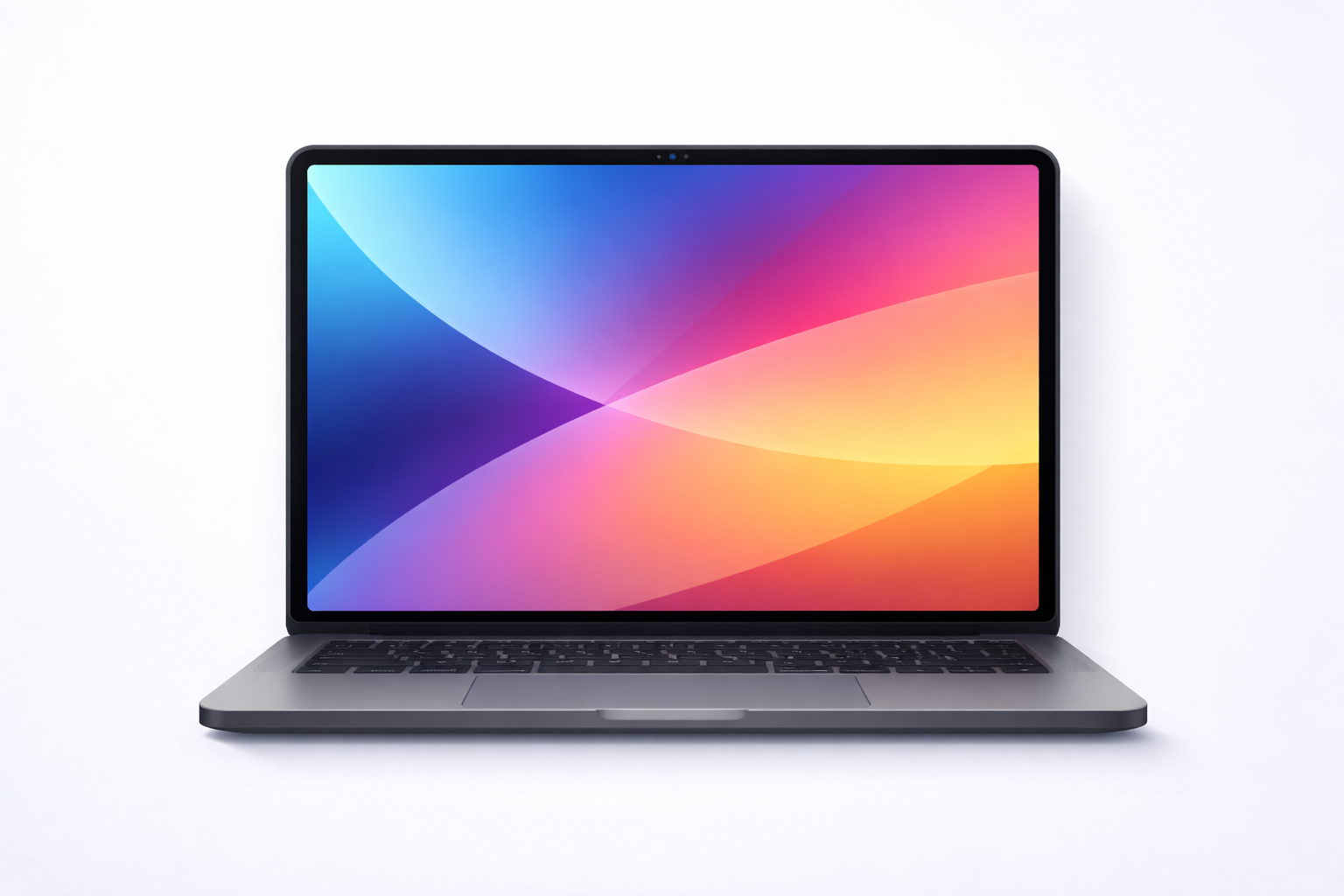
One small device plugs into your router and controls WiFi access for iPhones, iPads, gaming consoles, laptops—everything on your network. No app installation needed on kids' devices.
$69 one-time + $14.95/mo · 30-day money-back guarantee
Delivered in 5–7 business days
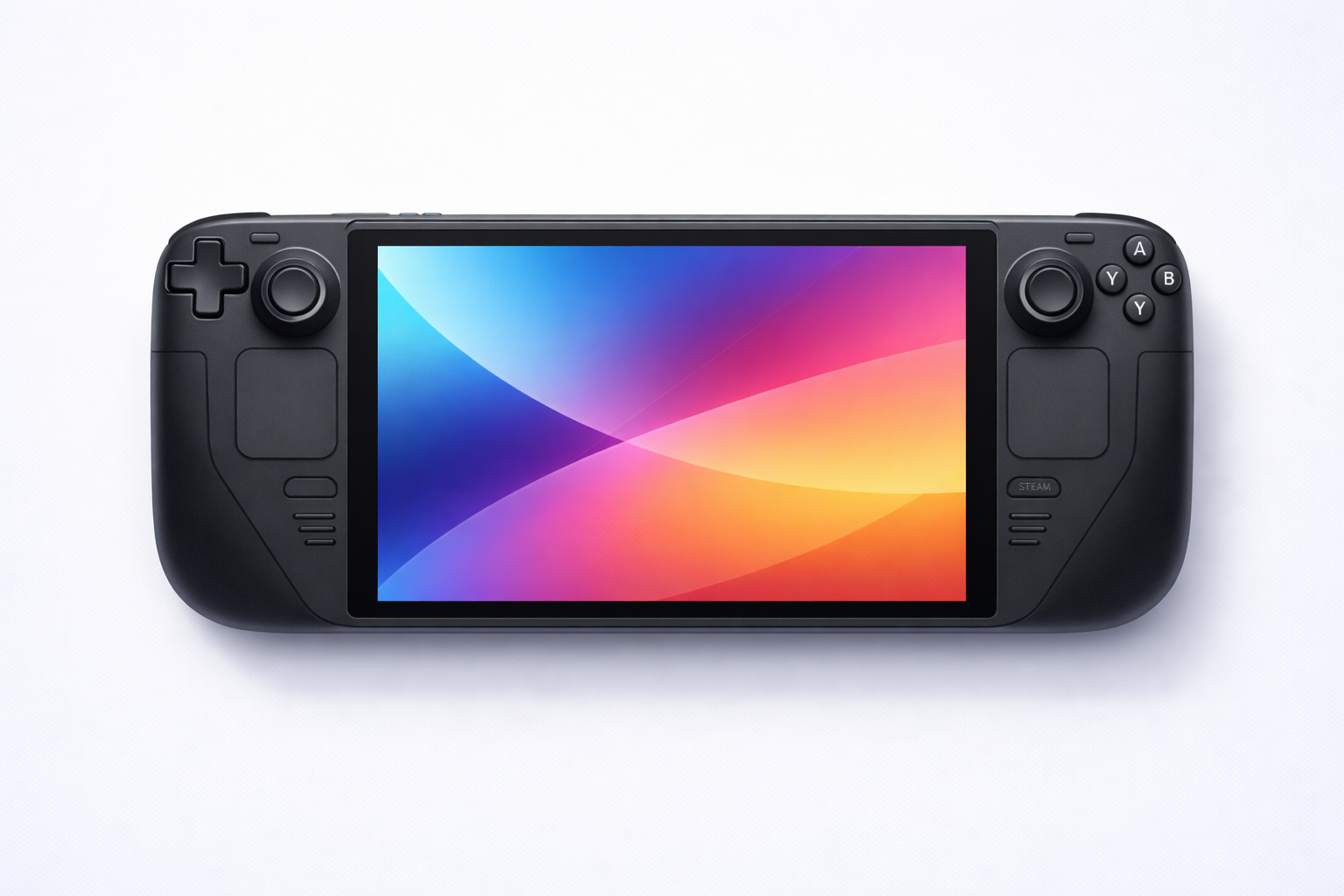
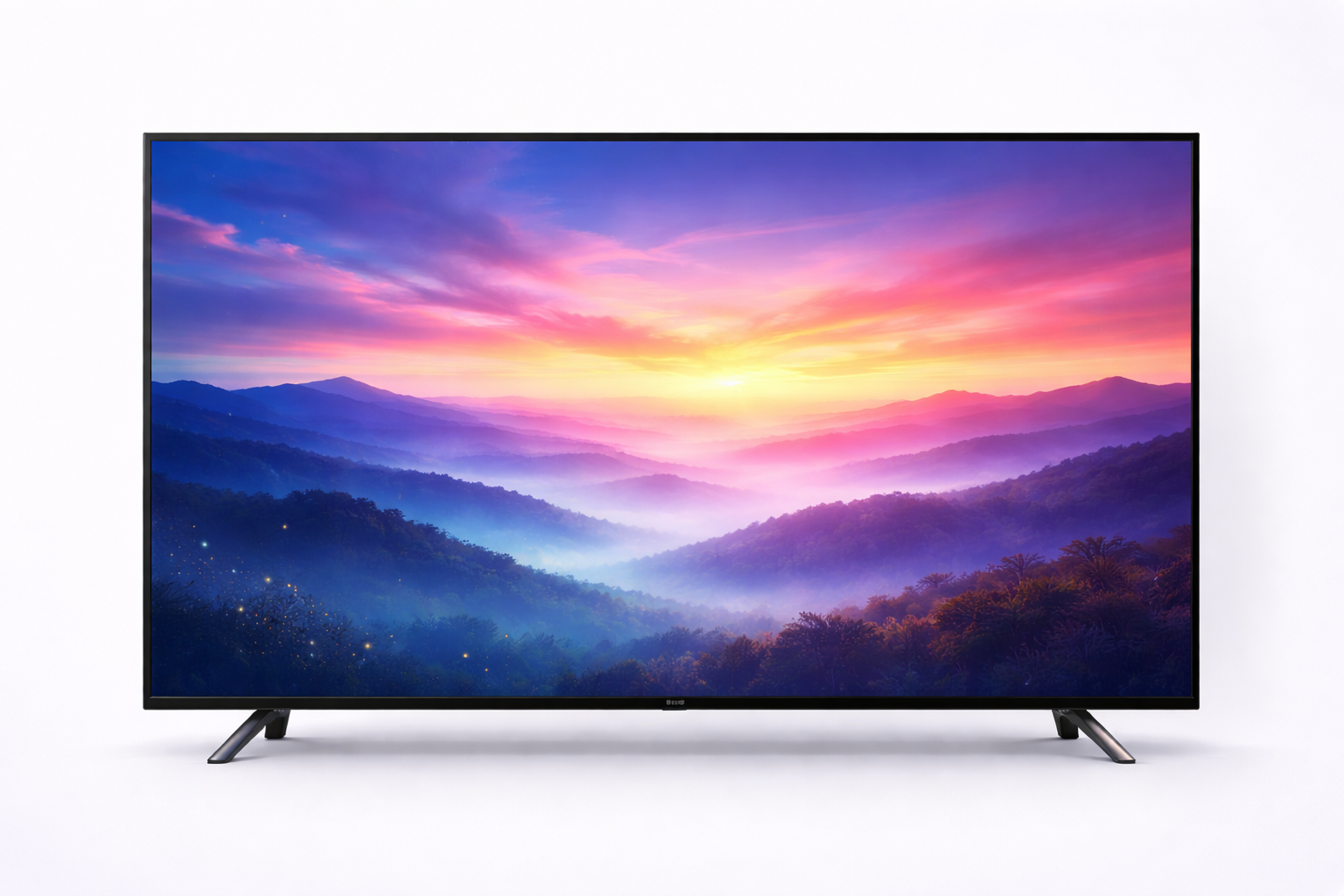
Works With Every Device
If it connects to WiFi, the Hub can control it. No exceptions.


How the Hub Works
Simple setup. Powerful control. Zero tech skills required.
Plug In the Hub
Connect the small Hub device to your router with the included cable. Takes 2 minutes.
Add Kids' Devices
The Hub shows all devices on your network. Just tap to assign each one to a child.
Kids Earn WiFi
Kids scan a QR code to see their chores, submit photos, and earn access to their devices.
Hub Controls Access
When chores are approved, the Hub unblocks their devices at the network level. No bypass possible.

Better Together
The App and Hub each shine on their own—together, they cover every device in your home.
Android App
Best for Android phones & tablets
- Push notifications for new chores
- Location-based auto-disable
- Background photo capture
- Full chore management on-device
- Works without the Hub
Work4WiFi Hub
Best for everything else
- iPhones, iPads, gaming consoles
- Laptops, Smart TVs, VR headsets
- Network-level control—no bypass
- No app install on kids' devices
- Works with any WiFi device
Use the App for Android kids. Add the Hub for everyone (and everything) else. One parent dashboard manages it all.
Get the Hub
Delivered in 5-7 business days.
Work4WiFi Hub
Control WiFi for every device in your home.
Secure checkout via Stripe. Delivered in 5-7 business days.
🎉 Order Confirmed!
Delivered in 5-7 business days. We'll email you tracking info. Thank you!

Frequently Asked Questions
Will the Hub work with my router?
Yes! The Hub works with any standard home router. It connects via ethernet cable and doesn't require any special router features or configuration.
Do I still need the Work4WiFi app?
Parents use the same Work4WiFi parent dashboard to manage chores and see submissions. Kids don't need any app—they access a simple web portal through the Hub by scanning a QR code or entering a URL.
Can kids bypass the Hub?
No. The Hub controls access at the network level (your router). There's no app to uninstall, no settings to change, no VPN workaround. If the Hub blocks a device, that device has no internet access, period.
What if I already have the Android app?
Great! The Hub adds support for non-Android devices in your home. Your Android kids can keep using the app, and your iPhone/console kids can use the Hub portal. Everything syncs together in one parent dashboard.
Is there a monthly fee?
The Hub is $69 one-time. To use it you need a Work4WiFi subscription; the Hub bundle includes the Unlimited plan ($14.95/mo). So total cost is $69 plus $14.95/month—no surprise at checkout.
When will it arrive?
Orders are delivered in 5-7 business days. You'll receive tracking info via email as soon as your Hub ships.